
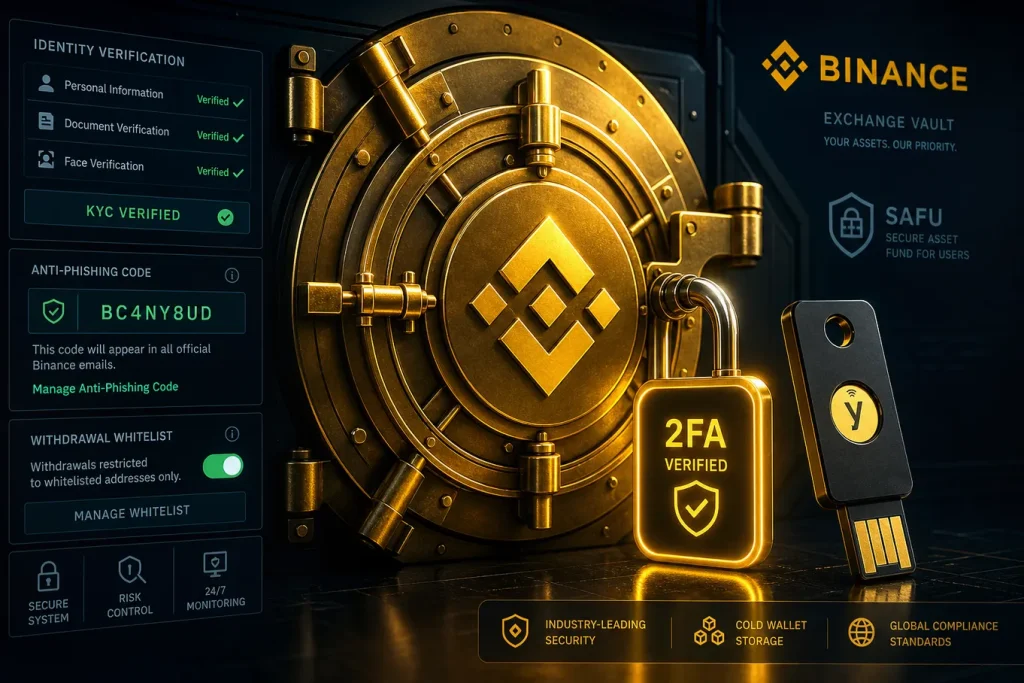
If you hold crypto on an exchange, security is not a checkbox—it’s a living system. This guide shows you exactly how to secure your Binance account with layered defenses using 2FA, KYC, anti-phishing tools, address whitelisting, hardware security keys, and smart digital hygiene. Whether you’re a new trader or a seasoned market maker, these steps reduce the risk of phishing, SIM swaps, malware, and account takeovers.

- 20% trading fee discount
- $100 signup bonus
- $10,000 futures bonus

- 20% fee cashback
- $60,000 futures bonus

- 20% fee cashback
- $8,000 bonus

- 50% trading fee discount
- 20% fee cashback
- $6,200 futures bonus

- 20% trading fee discount
- $30,050 signup bonus

- 20% fee cashback
- $10,000 bonus
Pro tip: New users can save money while they secure their setup. Register with the Binance referral code CRYPTONEWER for a 20% trading fee discount and access to up to $10,000 in benefits using this link: Sign up with CRYPTONEWER on Binance.
Why attackers target exchange accounts
- Direct access to funds and API keys
- Password reuse across sites and weak authentication
- Social engineering through fake login pages and support impostors
- SIM swapping to intercept SMS codes
- Malware and clipboard hijackers that rewrite withdrawal addresses
You don’t need to be a whale to be a target. Attackers automate credential stuffing and phish at scale. The defense is a security stack: something you know (password), something you have (2FA or hardware key), something you are (biometric/passkey), and controlled withdrawal paths (whitelist).
Quick-start checklist for ironclad protection
Follow this sequence to lock down your account fast.
1) Build a fortress-grade password
– Use a reputable password manager to generate a random, 18–24 character password with upper/lowercase, numbers, and symbols.
– Never reuse a password from email, banking, or any other exchange.
– Store the master password in an offline location you control.
2) Enable authenticator-based 2FA (not SMS)
– Go to Security settings and enable TOTP using Binance Authenticator or Google Authenticator.
– Scan the QR code and securely back up the 16/32-character seed or export/transfer within your authenticator app as an encrypted backup.
– Disable SMS 2FA unless it’s required for regional compliance. TOTP or a hardware security key is far safer.
3) Add a hardware security key or passkey (FIDO2/WebAuthn)
– Register a hardware key (e.g., YubiKey, SoloKey) as your primary or backup factor.
– On supported devices/browsers, set up a platform passkey (biometric-backed) for passwordless logins.
– Keep a second key in a different physical location for recovery.
4) Turn on the Anti-Phishing Code
– Set a unique anti-phishing code in Binance Security.
– Every legitimate Binance email will include this code—if it’s missing or wrong, it’s not Binance.
5) Lock down withdrawal behavior with Address Management
– Enable the withdrawal whitelist and add only your verified addresses.
– For each coin/network, save addresses with human-readable labels.
– Consider time-delayed withdrawals or manual reviews for large amounts.
6) Tighten Device Management and login alerts
– Review active sessions and devices; remove anything you don’t recognize.
– Enable new device confirmation and login notifications.
– Check your login history for unfamiliar IPs or locations.
7) Secure your email like a vault
– Turn on your email provider’s 2FA using a TOTP app or a hardware key.
– Consider a unique email alias only used for Binance to limit exposure.
– Add the official Binance domains to your email safe senders list.
8) Protect your phone number
– Use a non-primary number or a carrier with strong anti–SIM-swap policies.
– Add a special port-out PIN and account lock with your carrier.
– Prefer authenticator apps or hardware keys over SMS.
9) Review API keys if you automate trading
– Create read-only keys unless trading is required.
– If trading is needed, strictly limit permissions and set IP whitelists.
– Rotate keys on a schedule; immediately delete unused keys.
How to Secure Your Binance Account (2FA, KYC) the step-by-step deep dive
Step 1: Strengthen your login foundation
- Use a unique, randomly generated password stored in a password manager.
- Avoid browser-remembered passwords and shared computers.
- Consider browser profiles dedicated to trading to reduce extension risk.
Step 2: Enable 2FA the right way
- TOTP via Binance Authenticator or Google Authenticator is the gold standard for most users.
- Hardware keys and passkeys enhance protection against phishing and man-in-the-middle attacks.
- Backup strategy: Write down recovery codes or keep an encrypted backup file. Test recovery on a secondary device before you actually need it.
Step 3: Harden your email and identity layer
- Your email is your account’s skeleton key. Secure it with hardware-backed 2FA.
- Avoid forwarding rules that could hide phishing or password reset attempts.
- Use a dedicated email for crypto accounts and never expose it publicly.
Step 4: Set up the Anti-Phishing Code
- This creates a visible trust anchor in every real Binance email you receive.
- If the code is wrong or absent, stop and report the message as phishing.
Step 5: Activate Address Whitelisting
- Navigate to Withdrawal Address Management and enable whitelist mode.
- Add addresses you control (e.g., your hardware wallet). Verify small test withdrawals first.
- Maintain separate addresses for long-term cold storage and for active trading wallets.
Step 6: Review and restrict devices
- Delete stale sessions and old mobile devices from your account’s device list.
- Enable login alerts on both email and mobile.
- If you suspect compromise, immediately revoke all sessions and rotate password and 2FA.
KYC that actually helps security
KYC (Know Your Customer) isn’t just about compliance; it materially helps protect your Binance account.
- Enhanced recovery: If you lose access to your authenticator and email simultaneously, verified identity streamlines recovery.
- Fraud detection: KYC data helps flag risky activity and prevents bad actors from moving funds.
- Withdrawal and feature limits: Verified tiers can reduce friction while enabling protective controls, like higher limits that still respect whitelist and approval flows.
Tips for smooth verification
– Use a well-lit environment and follow on-screen prompts.
– Upload original documents; avoid scans that degrade image quality.
– Keep your name and address consistent across documents to reduce review delays.
Pro-grade defenses most users skip
- Security keys everywhere: Register at least two FIDO2 keys and store one offsite.
- Passkeys for convenience and safety: On modern devices, passkeys combine strong crypto with biometrics, thwarting phishing.
- Browser hygiene: Use privacy-focused profiles, disable unnecessary extensions, and keep software patched.
- Network hygiene: Avoid public Wi‑Fi or use a reputable VPN. Turn off auto-join on open networks.
- Clipboard safety: Double-check withdrawal addresses; malware can silently replace them mid-copy.
- Session timeouts: Log out after use and avoid persistent sessions on shared or mobile devices.
API key security for traders and bots
If you use bots or third-party portfolio tools, your API keys can be your biggest risk.
- Principle of least privilege: Grant the minimum permissions required. If withdrawals aren’t needed, keep them disabled.
- IP allowlisting: Restrict keys to known server IPs; rotate IPs carefully and update lists promptly.
- Key rotation policy: Rotate at a set cadence and whenever a tool or contractor changes.
- Secret handling: Don’t paste API keys into chats or plaintext docs; store them in a secrets manager.
Phishing is still the number one threat
Common lures
– Fake “withdrawal confirmation” emails with urgent language
– Ads on search engines that imitate the real login page
– DM “support” agents asking for seed phrases or codes
– QR codes that lead to spoofed mobile login portals
Defense tactics
– Type the domain manually or use an authenticated bookmark.
– Confirm your anti-phishing code in every email.
– Never share one-time codes or recovery seeds—Binance support will never ask for them.
– Inspect SSL certificates and URL spelling; beware of homoglyphs and subdomains.
Recovery planning you’ll be glad you made
- Backup locations: Keep recovery keys and codes in two physically separate places you control.
- Second factor redundancy: Have at least two 2FA methods registered (e.g., TOTP + hardware key).
- Emergency drill: Simulate a lost phone scenario and recover using your backups.
- Account alerts: Max out notifications for login, password changes, new devices, and withdrawals.
Ongoing maintenance routine
- Monthly: Review active devices, sessions, and API keys; delete anything stale.
- Quarterly: Rotate passwords and API keys; verify whitelist addresses with a small test transfer.
- Always-on: Update your OS, browser, and authenticator apps; re-check that backups are readable.
Secure and save with this Binance promotion
Hardening your account doesn’t mean paying more. If you’re opening a new account or helping a friend get set up securely, use this link: Sign up with CRYPTONEWER on Binance. Enter code CRYPTONEWER to unlock a 20% fee discount plus access to as much as $10,000 in platform benefits. Pair that savings with the security steps above—enable 2FA, complete KYC, turn on the anti-phishing code, and enforce a withdrawal whitelist—so you start trading on the right foot.
FAQ on How to Secure Your Binance Account (2FA, KYC)
Q: Is SMS 2FA good enough?
– Better than nothing, but vulnerable to SIM swaps. Prefer TOTP or a hardware security key.
Q: Binance Authenticator or Google Authenticator?
– Both provide TOTP. Binance’s app integrates tightly with the platform; choose the one you can back up reliably.
Q: What if I lose my phone and can’t access 2FA?
– Use your backup codes or your secondary authenticator/hardware key. If all else fails, KYC-verified accounts can request recovery through support with identity checks.
Q: Does KYC expose my data?
– Exchanges follow strict data-handling and compliance policies. The trade-off is better account recovery and stronger fraud prevention.
Q: How does a hardware key help?
– It performs cryptographic challenges bound to the real domain, blocking most phishing even if you click a fake link.
Q: Should I whitelist addresses for every coin I use?
– Yes. It dramatically reduces the chance of a one-click drain if your session is compromised.
Q: Do API permissions affect security?
– Yes. Over-permissioned keys and missing IP whitelists are a common attack path. Keep them tight, rotate often, and delete what you don’t need.
Q: Are passkeys the same as hardware keys?
– Passkeys can be stored on your device or in a keychain and work with biometrics; hardware keys are separate physical devices. Both use FIDO2/WebAuthn and are strong.
Q: Can I use multiple 2FA methods?
– Yes, and you should. TOTP + a hardware key or passkey gives you redundancy without sacrificing usability.
Related posts:
 What is the XVS (Venus) Coin and How to Buy — Expert Guide for 2026
 Essential Guide to Current Blockchain Policies in South Korea for Builders and Investors
 High-Impact Top Blockchain Use Cases for Startups That Drive Real ROI
 Insider Guide to Useful tips for MEXC That Save Fees and Maximize Rewards