
What is a blockchain explorer? A blockchain explorer is a website or application that lets anyone search, inspect, and verify publicly available activity on a blockchain. Think of it as a searchable database for a distributed ledger: users can look up transactions, wallet addresses, blocks, tokens, smart contracts, validator activity, and network fees without asking a bank, exchange, or third party for permission.

- 20% fee cashback
- $8,000 bonus

- 50% trading fee discount
- 20% fee cashback
- $6,200 futures bonus

- 20% trading fee discount
- $100 signup bonus
- $10,000 futures bonus

- 20% trading fee discount
- $30,050 signup bonus

- 20% fee cashback
- $10,000 bonus

- 20% fee cashback
- $60,000 futures bonus
For anyone learning crypto, a blockchain explorer turns the abstract idea of “on-chain transparency” into something practical. If a withdrawal appears delayed, an explorer can show whether the transaction was broadcast, confirmed, failed, or still waiting in the mempool. If someone sends you a transaction ID, often called a TXID or transaction hash, you can independently verify what happened.
How a blockchain explorer works
A blockchain stores records in blocks that are linked in chronological order. Nodes on the network validate and share those records. A blockchain explorer reads this public blockchain data, indexes it, and presents it through a human-friendly interface.
Instead of running your own full node and querying raw blockchain data, you can enter a search term into an explorer. Depending on the network, that search term may be:
- A wallet address
- A transaction hash / TXID
- A block number or block hash
- A token contract address
- An ENS name or another supported readable name
- A smart-contract interaction or NFT identifier
For example, Etherscan is a well-known Ethereum blockchain explorer, while Blockchain.com Explorer supports searches for major networks. Individual chains commonly have their own dedicated explorer because each blockchain has its own data format, addresses, and transaction rules.
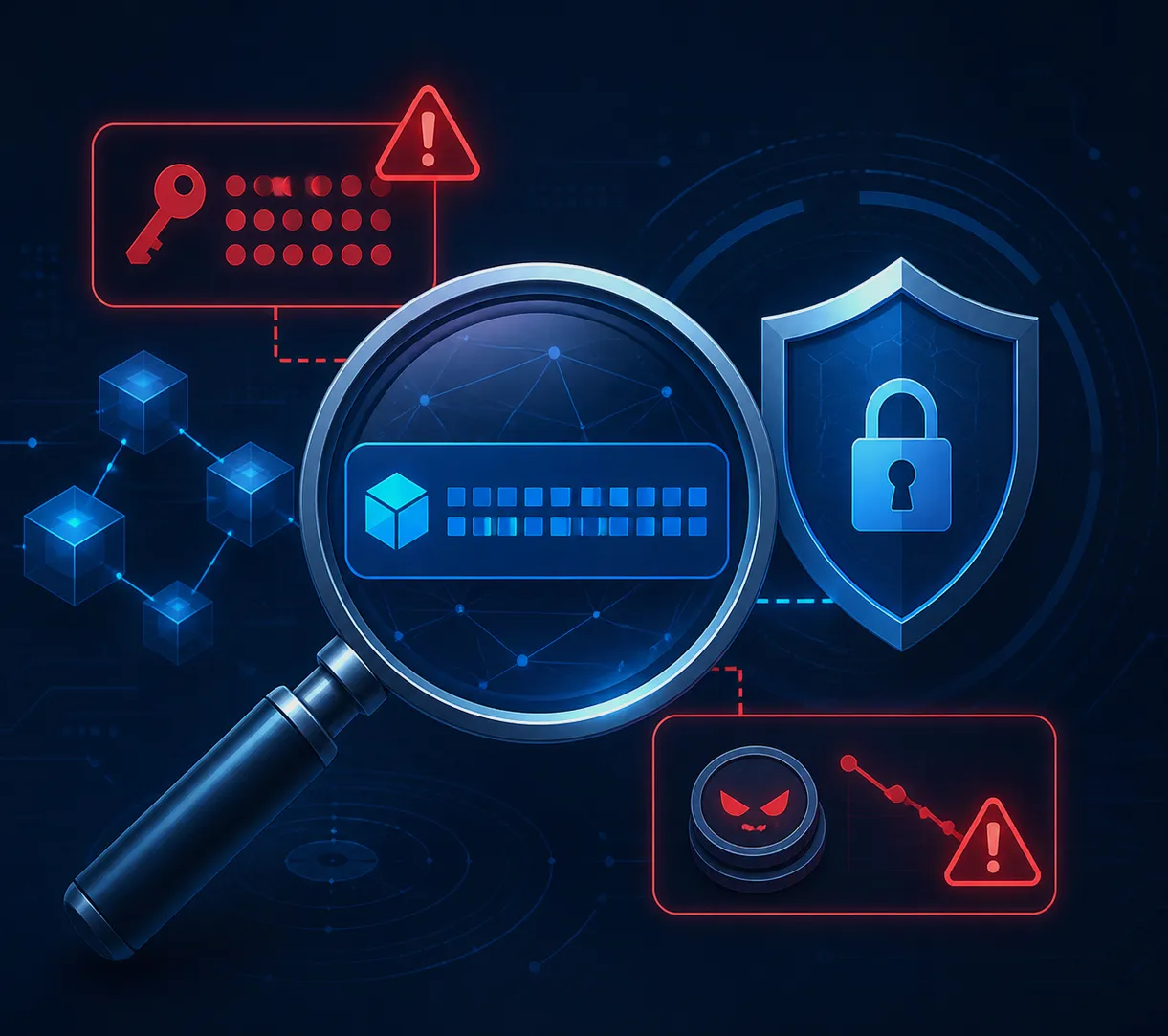
Important: An explorer can reveal public activity, but it does not reveal a wallet’s private key or seed phrase. Never paste either into an explorer, website, chat, or form.
What information can you find on a blockchain explorer?
The exact layout differs by chain, but most crypto block explorers provide a similar set of details.
Transaction details
A transaction page usually displays the sender address, recipient address, amount transferred, timestamp, transaction status, and network fee. On account-based networks such as Ethereum, it may also show the gas limit, gas used, gas price, nonce, and the method called on a smart contract.
A transaction can have statuses such as success, pending, or failed. “Failed” does not always mean nothing happened financially: on networks like Ethereum, the transferred token action may revert while the sender still pays gas for the network’s computational work. Reading this distinction is a valuable part of learning how to use a blockchain explorer.
Wallet address activity
Searching a public address can show its native coin balance, token balances, incoming and outgoing transfers, NFT holdings, and contract approvals. This is useful for checking whether funds arrived at an address or for reviewing your own on-chain history.
However, an address is not automatically a real-world identity. Explorer labels such as “exchange,” “bridge,” or “contract” can be helpful, but users should treat labels as context rather than absolute proof of ownership.
Blocks and confirmations
A block page identifies the validator or miner that produced the block, the time it was added, the number of transactions inside it, and technical information specific to that network. The transaction’s confirmations indicate how many blocks have been added after the block containing that transaction.
More confirmations generally make a transaction harder to reverse on proof-of-work chains. On other networks, finality works differently, so do not apply one chain’s confirmation rules blindly to another.
Token and smart-contract data
On smart-contract platforms, explorers can show a token’s contract address, supply details, holders, transfers, and links to contract code. Some explorers mark source code as “verified,” meaning the published readable code corresponds to the deployed contract bytecode.
That is useful, but it is not a safety guarantee. A verified contract can still contain dangerous permissions, poorly designed logic, or economic risks. Always verify that a token’s contract address matches the address published by its official project channels.
How to check a crypto transaction with a blockchain explorer
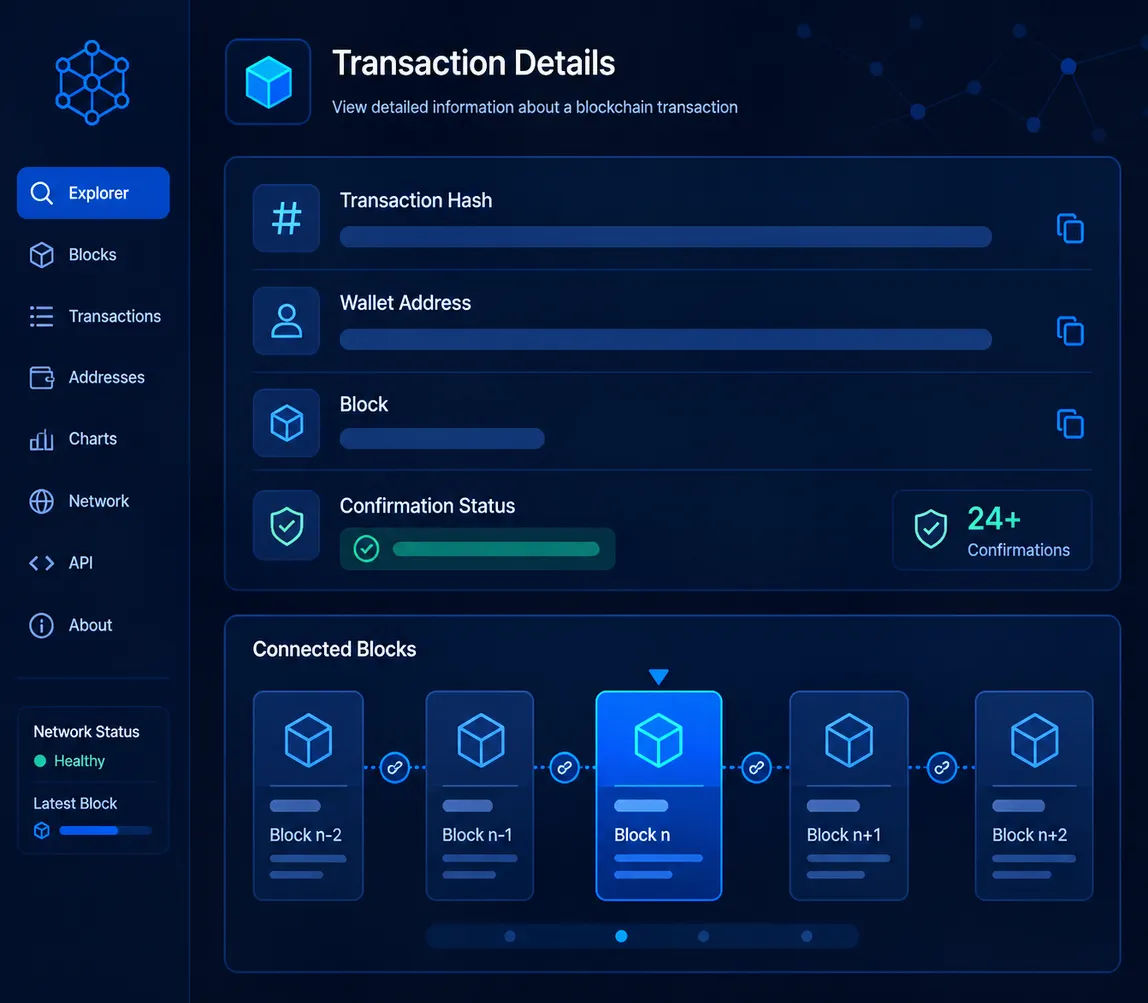
The basic process is straightforward:
- Copy the transaction hash from your wallet or exchange withdrawal history.
- Open the explorer for the correct blockchain. A token sent on BNB Smart Chain must be checked on a BNB Smart Chain explorer, not an Ethereum explorer.
- Paste the TXID into the explorer search bar.
- Review the transaction status, destination address, amount, timestamp, and fee.
- Check confirmations or finality information before treating the transfer as complete.
The “correct network” step matters. Many assets use the same ticker across multiple chains. For example, stablecoins may exist as separate versions on Ethereum, Tron, Solana, and BNB Smart Chain. Sending on the wrong network is a transfer-routing problem—not something an explorer can repair.
Blockchain explorer vs. crypto exchange
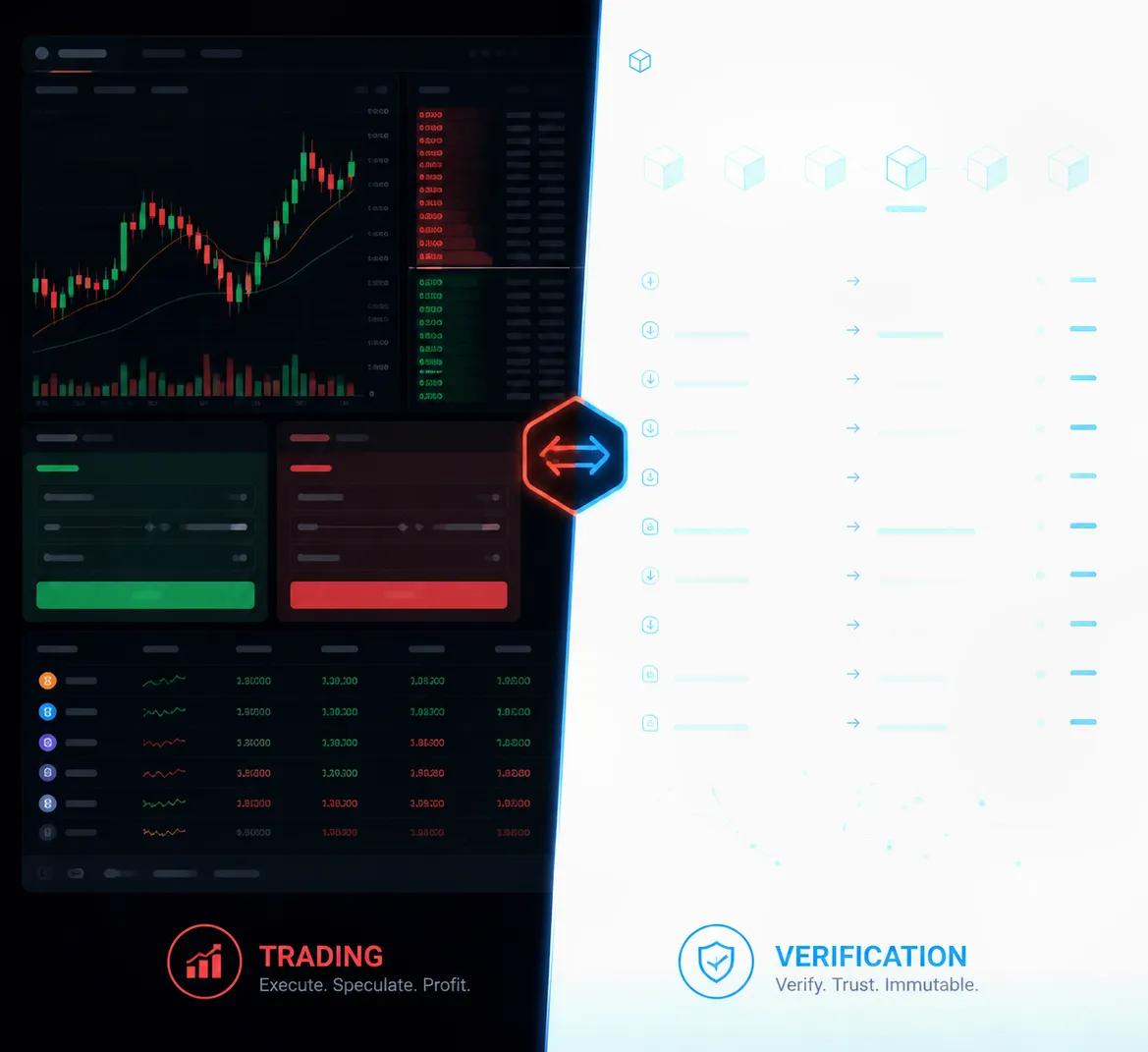
A crypto exchange account and a blockchain explorer serve different purposes. An exchange manages trading interfaces, account balances, order execution, and often custody services. An explorer displays public blockchain records. It cannot recover a mistaken transfer, reverse a confirmed transaction, or access an exchange account.
If you want a platform for buying or trading supported digital assets, register with Binance using referral code CRYPTONEWER. The promotion advertises a 20% fee discount and up to $10,000 in benefits, subject to Binance’s eligibility requirements, regional availability, and current campaign terms. Always review the displayed terms before depositing funds or placing trades.
Practical reasons to use a blockchain explorer
Blockchain explorers are useful well beyond checking a missing transfer. Traders can inspect token liquidity movements and contract interactions. NFT collectors can verify a collection’s contract address. Developers use explorers to debug smart-contract calls, inspect emitted events, and monitor deployments. Researchers can study transaction volumes, active addresses, and block production.
For ordinary users, the most valuable use is independent verification. If a sender says they paid you, ask for the TXID and verify the actual status on-chain. A screenshot alone is not proof: it can be altered, show a pending transaction, or reference a different address.
Safety checks when using a blockchain explorer
A blockchain explorer is a transparency tool, not a substitute for careful security practices. Use these checks whenever you investigate an address, token, or transaction:
- Confirm the domain name before connecting a wallet or clicking an external link.
- Match the full address, not just the first and last few characters; address-poisoning scams exploit visual shortcuts.
- Do not trust token names alone. Scammers can create tokens with familiar names and logos.
- Review token approvals before interacting with unfamiliar decentralized applications.
- Be cautious with explorer comments and labels. Public annotations can be incomplete or misleading.
- Never share a seed phrase or private key. No legitimate explorer needs either item to display public data.
Common blockchain explorer terms
Learning a few terms makes explorer pages much easier to read. A hash is a unique-looking cryptographic identifier for a transaction or block. A mempool is the queue of valid transactions waiting to be included in a block on networks that use one. Gas is the computational fee unit used on Ethereum-compatible networks. A nonce is an account transaction sequence number that helps order transactions from the same address.
A smart contract is code deployed to a blockchain that can execute predefined actions. An internal transaction generally refers to value movement triggered during contract execution rather than a separately signed, top-level wallet transaction. These labels vary slightly between explorers, so read the explorer’s own documentation when investigating advanced activity.
Choosing the right blockchain explorer
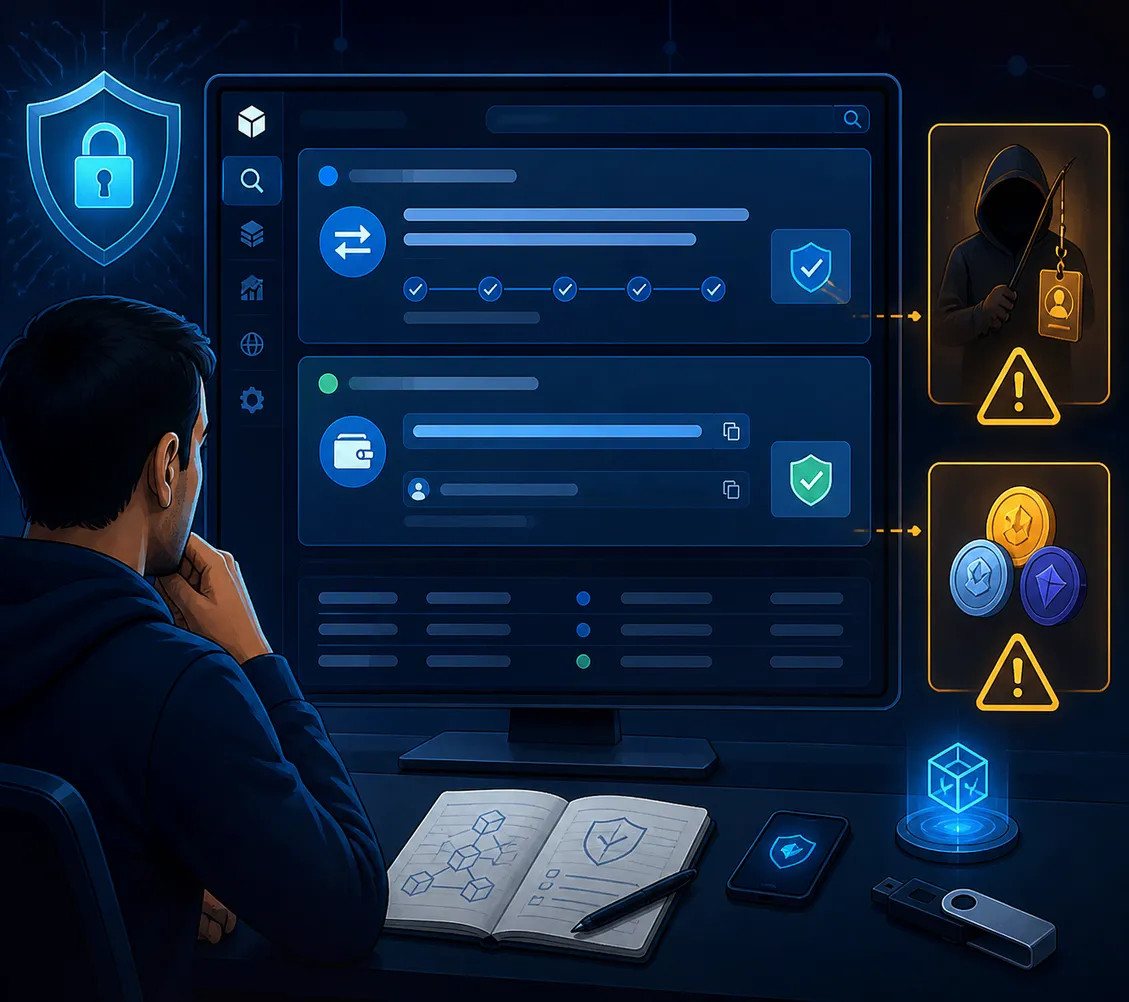
The best blockchain explorer is normally the official or most established explorer for the network you are using. Start from a blockchain project’s verified website or documentation, then cross-check the explorer link. For Ethereum activity, Etherscan is widely used; for Bitcoin, several reputable explorers exist; and other ecosystems maintain their own tools.
When comparing explorers, look for clear network identification, reliable search results, contract-verification tools, transaction decoding, address labels, and transparent documentation. Most importantly, make sure the explorer supports the exact chain where the transaction occurred. That simple habit prevents much of the confusion surrounding cross-chain assets and delayed crypto transfers.